

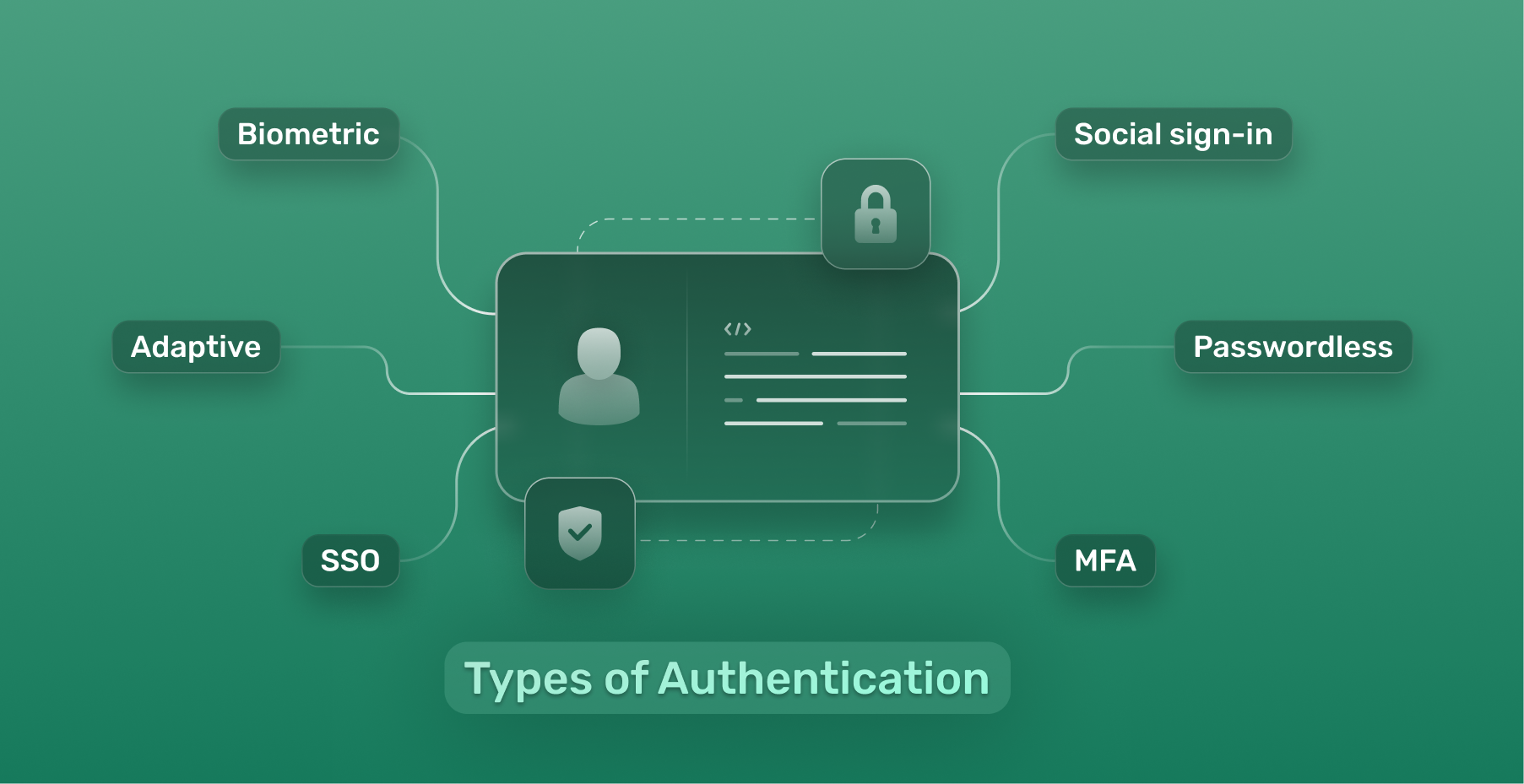
This is the first of several blog posts in the identity and access management (IAM) series, covering IAM from a governance, risk, and compliance (GRC) point of view. At its core, IAM ensures the right individuals access the right resources at the right times for the right reasons. Rather than configuring these technical tools, GRC professionals create the strategic policies governing them.
Think of authentication as the ID check at the front desk of a corporate building; every single person must verify who they say they are. For GRC professionals, strong authentication is an essential control because weak logins are one of the most common causes of security incidents (as attackers frequently access a system using stolen passwords frequently) and compliance failures (as it’s required by many regulations). From a regulatory standpoint, authentication forms the bedrock of data confidentiality, directly supporting NIST CSF 2.0 (PR.AA: Identity Management, Authentication, and Access Control) and mitigating unauthorized access risks.
Passwords

Today, passwords are still the most common way people log into accounts, even though they are often mismanaged. While familiar and easy to use, they are a significant vulnerability when mismanaged, serving as the primary attack vector for account takeover.
The National Institute for Standards and Technology (NIST) is a U.S. standards organization that publishes widely used password guidelines (NIST SP 800-63B).
Older advice focused on complexity, which requires a password to contain an uppercase letter, a lowercase letter, a number, and a symbol. However, this often results in predictable, human-generated passwords like Password1$ that modern cracking software can crack in seconds. In fact, because of these predictable patterns, NIST now discourages enforcing complexity requirements.
NIST recommendations today include the following:
- Enforce a minimum password length of 15 characters. Length is more important than complexity. Even if you use 5 complex symbols in a password that is only 6 characters long, it can still be cracked in a matter of seconds.
- Use passphrases. They are long, not difficult to remember, and hard to crack. An example of a passphrase is thisblogpostissuperinteresting.
- Don’t use security questions. These questions (such as “What is your favorite pet?“) are easier for attackers to guess or find online compared to passwords.
- Don’t force regular password changes. Most of the time when someone is asked to change a password, they either reuse a password they already use elsewhere or make predictable tweaks like changing the symbol at the end from @ to #. This actually makes things less secure.
- Block weak passwords. Organizations should use a blocklist preventing people from choosing common or leaked passwords. Microsoft Entra ID includes a global banned password list.
GRC professionals should ensure an organization follows modern password standards like NIST SP 800-63B, especially since password policies are often reviewed during audits. For ISO 27001 audits, part of ISO 27001:2022 Control 5.17 (Authentication information) requires credentials to remain resilient against compromise. GRC professionals should ensure that legacy authentication protocols (which usually transmit credentials in plain text) are actively blocked.
Compliance should be verified by not just reading the written policy, but also by examining screenshots to confirm recommendations such as a 15-character minimum password length and deployment of a banned password list are actually enabled.
Password Managers

To combat password fatigue and the subsequent risk of password reuse, organizations and individuals should use a password manager. Think of a password manager as a secure vault that stores passwords and generates unique, hard-to-crack passwords when needed. Good password managers offer the following security benefits:
- Mitigate password fatigue by requiring only a single strong password to unlock the vault
- Generate complex and hard-to-crack passwords for websites, increasing password strength and discouraging password reuse
- Autofill passwords on websites, protecting against phishing attacks (they won’t autofill on fake websites) and keylogging (nothing is copied to the clipboard)
- Monitor the dark web to check if any passwords have been leaked, allowing users to change them before attackers use them
GRC professionals should recommend that organizations utilize a password manager if they don’t already because they reduce the risk of password reuse and weak passwords, two of the most common causes of attackers breaking into a system. By centralizing credential storage and generating complex passwords, organizations drastically reduce the attack surface associated with shadow IT (use of unauthorized apps) and credential reuse, mitigating credential stuffing (where attackers use leaked credentials and try them on other sites) risks.
For organizations, enterprise password managers also support:
- Authentication logs, which GRC teams often review during audits
- Role-based access
- Integration with single sign-on (SSO), the ability to log in once and get access to multiple resources
- Ability to securely share files with others
GRC professionals should ensure that an analyst is reviewing these password manager logs. Also note that not all password managers are created equal. Choose one that is reputable and secure, especially if the data is stored in the cloud. The last thing anyone wants is for their password manager to suffer a data breach or generate predictable passwords.
Multi-Factor Authentication

Anyone who creates accounts for websites has probably heard of multi-factor authentication (MFA). Simply put, it is a control that provides an extra layer of protection by requiring two or more of the following:
- something you know (password, PIN, answer to secret question)
- something you have (phone, security key, authenticator app)
- something you are (biometrics)
Think of MFA like a bank requiring a physical ATM card and a personal PIN to dispense cash. Just having one would be useless to the robber. MFA is essential in today’s environment and is something that should be implemented by an organization. Without it, all an attacker has to do is steal a password to gain access to their system.
Deploying MFA is universally considered a non-negotiable standard in cybersecurity today. Failure to implement MFA results in a greater likelihood of attacks like credential phishing and guarantees audit failures for many frameworks (which have MFA as a mandatory control). Furthermore, GRC professionals should verify that MFA is enforced for all users, especially administrators and third‑party accounts.
Despite the benefits of MFA, there are a few important things to know:
- Not all MFA is equally secure. For example, SMS-based codes (text messages) can be intercepted by an attacker. This makes them less secure than an MFA method like security keys, which require the attacker to physically steal the key to gain access.
- MFA fatigue attacks exist. These are attacks where after an attacker steals a password (through an attack like phishing), they bombard users with repeated MFA prompts hoping they accidentally approve one. This attack caused the 2022 Uber breach.
- MFA is not a replacement for strong passwords. It is just a way to prevent someone from gaining access to a system using a leaked password. But it is still not foolproof and it is better to not get that password leaked in the first place.
- MFA is just one layer of protection. Organizations still need to have all the other controls (such as monitoring and network protection) in place. While it is pretty common for attackers to break into a system using stolen passwords, it is far from the only way they can do that.
MFA is one of the highest‑value controls GRC professionals evaluate as it directly reduces the likelihood of unauthorized access. GRC professionals should also verify that MFA fatigue protections (like number matching) are enabled. Auditors should not just take an organization’s claim regarding MFA adoption; they should verify it through reports or screenshots. They should also verify MFA Coverage. Even if an organization has MFA available, if it is not used by all users, the control is not met.
Passwordless

Passwordless authentication completely removes passwords from the authentication flow. An example of passwordless authentication is using Face ID to unlock an iPhone. Instead of typing in something you know, in passwordless authentication you either use something you have or something you are. Passwordless options include:
- Windows Hello
- Security keys
- Passkeys
- Microsoft Authenticator App
Passwordless leverages public-key cryptography, which is like a digital handshake where a device proves its identity to the server without ever sending a password over the internet. In essence, public-key cryptography is a digital lock and key that never leaves the device. This renders phishing and credential-based attacks useless. This type of authentication is starting to be used by leading organizations such as Microsoft, which allows users to delete their password entirely and use passwordless methods instead.
Many organizations are now including passwordless adoption in their IAM roadmaps. As passwordless becomes more common, GRC professionals should evaluate whether users, especially high-risk ones, are using phishing‑resistant authentication and should ensure passwordless adoption is documented in IAM strategy and reviewed during risk assessments.
Conclusion
Authentication is the first gate of IAM and when implemented properly, results in reduced breach likelihood, easier auditing, and lower risk exposure. If authentication is not implemented properly, the rest of the controls, such as authorization and monitoring, become less effective.
If an organization uses Microsoft, they can manage not just authentication but all parts of identity and access management through Microsoft Entra ID (formerly Azure Active Directory). Entra ID also centralizes authentication policies, reporting, and enforcement, making it easier for GRC teams to verify compliance and provide a single source of truth for audit reports. The next blog post in this series will cover how authentication is done using Microsoft Entra ID, utilizing features such as Conditional Access.